
DMM AI Router
One API for leading AI models.
With one API, you can access multiple supported AI models through a unified interface. Compare pricing across models and switch to the one that best fits your use case.
Read the docs
 GPT-6-astraOpenAI
 Deepseek-v4-proDeepSeek
 Gemini-3.8-flashGoogle
 Grok-4.6xAI
58+
models
More models and providers are added over time.
¥0
setup and monthly fees
Pay in advance by topping up your credit.
A fee applies at each top-up, plus consumption tax.
Just change the endpoint to expand your model options.
Set the DMM AI Router endpoint and a model ID to send requests to supported models through the same interface.
from openai import OpenAI

client = OpenAI(
    base_url="https://api.airouter.dmm.com/v1",
    api_key="<YOUR_API_KEY>",
)

response = client.chat.completions.create(
    model="<MODEL_ID>",
    messages=[{"role": "user", "content": "Hello"}],
)
Update the endpoint and model ID. Keep the familiar OpenAI SDK workflow.
Choose. Test. Operate.
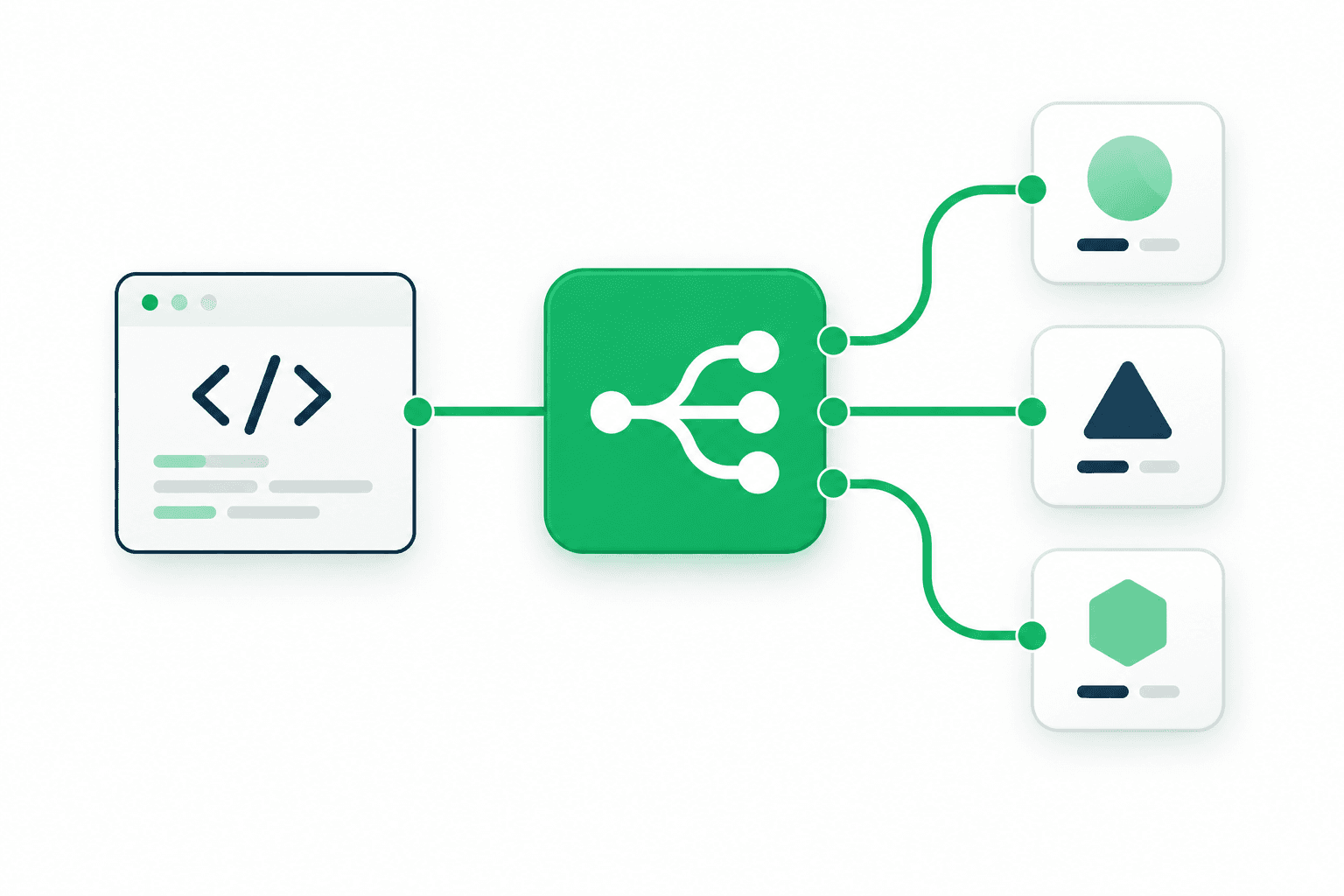
OpenAI-compatible for a smooth migration
Compatible with the OpenAI Chat Completions API, so you can call supported models with the implementation you already know.
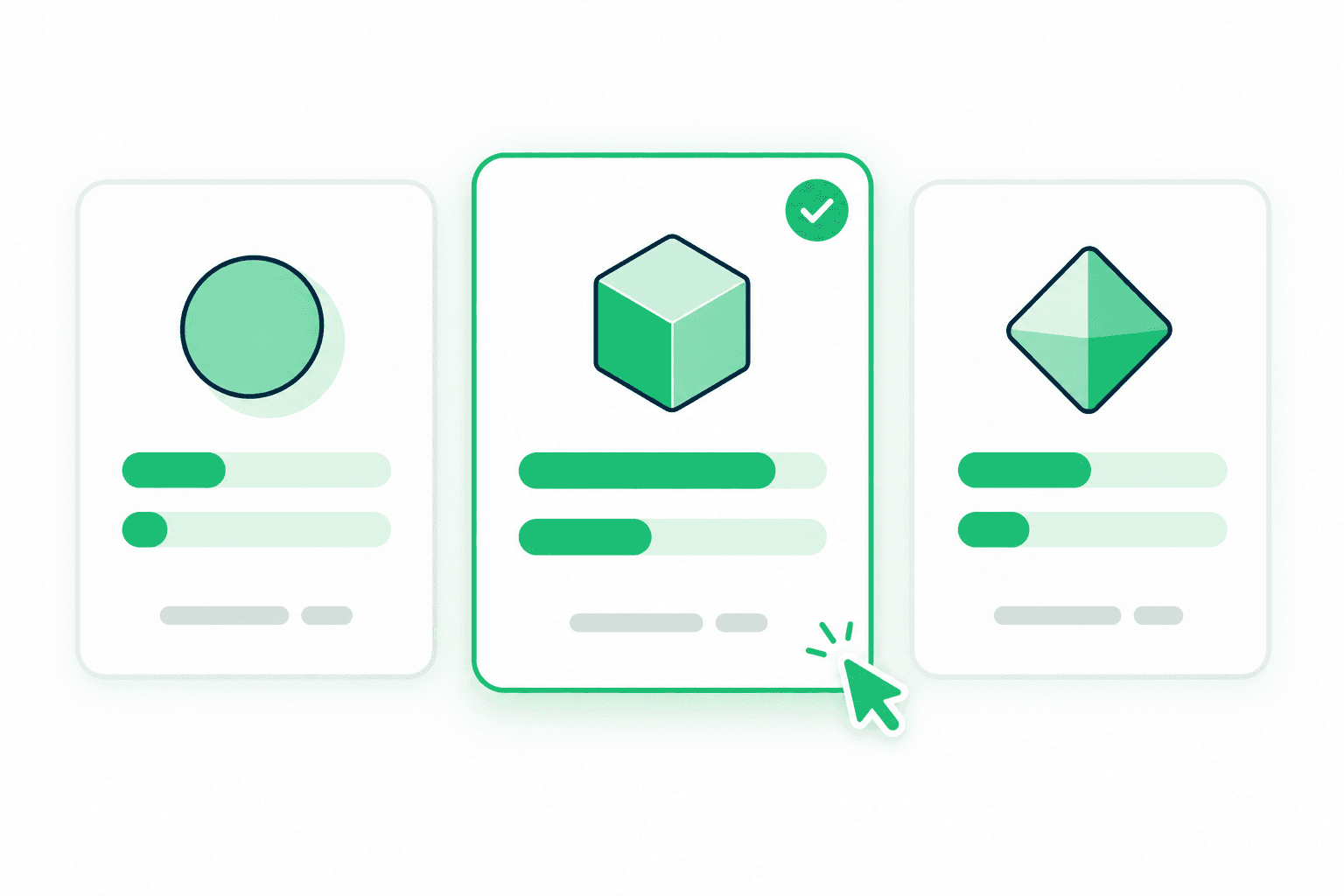
Compare pricing before you choose
Review input and output rates for each model and choose the option that fits your use case and budget.
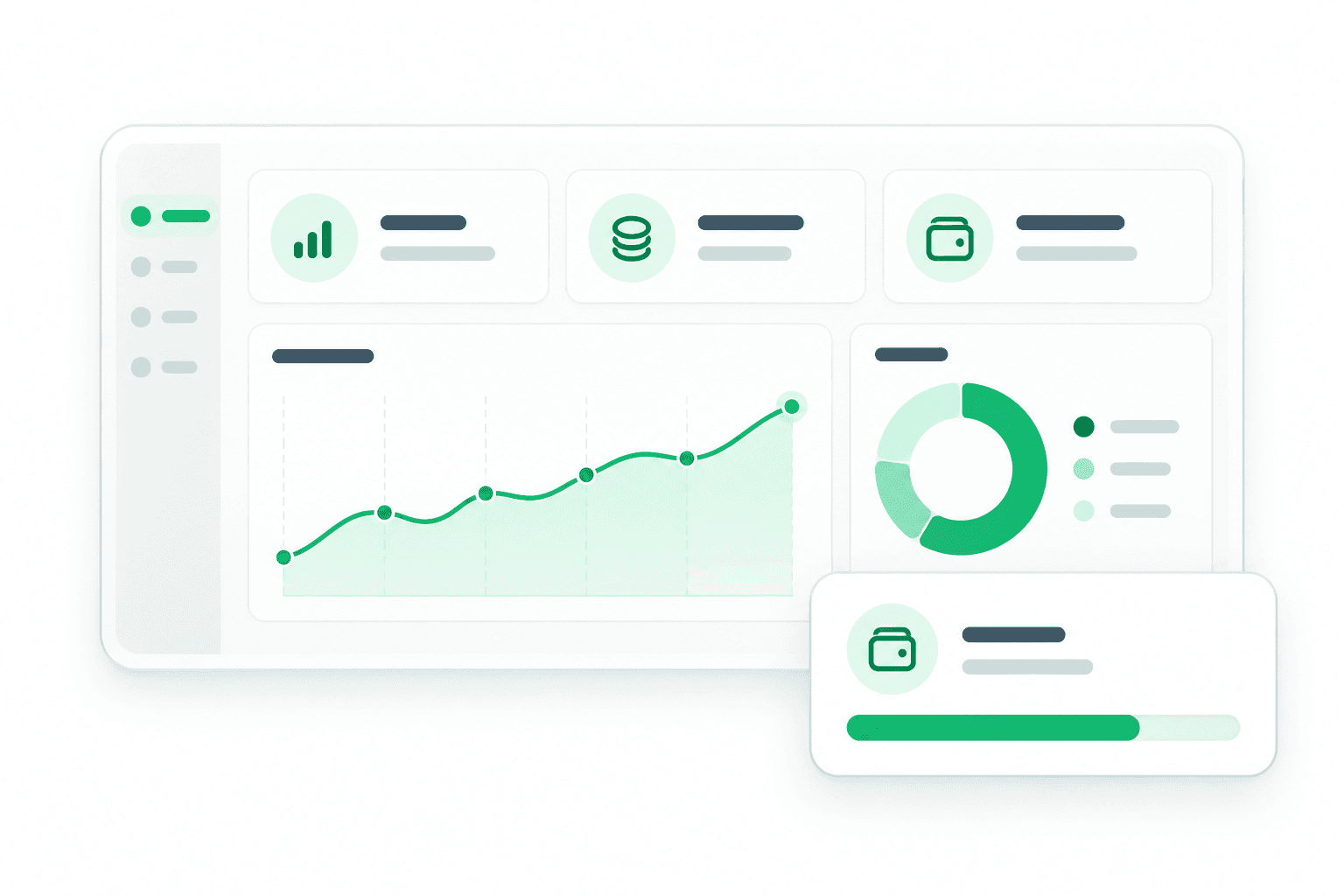
Keep usage in view
Review request volume, usage charges, and your credit balance from your account page.
Compare models. Choose with confidence.
Compare pricing, context length, and capabilities to find the model that fits your workload.
Featured models
GPT-6-astraOpenAI- Input (excl. tax)
- $10.00/ 1M tokens
- Output (excl. tax)
- $50.00/ 1M tokens
- Context
- 1.05M
Deepseek-v4-proDeepSeek- Input (excl. tax)
- $1.5675/ 1M tokens
- Output (excl. tax)
- $3.135/ 1M tokens
- Context
- 1M
Gemini-3.8-flashGoogle- Input (excl. tax)
- $0.75/ 1M tokens
- Output (excl. tax)
- $3.75/ 1M tokens
- Context
- 1.048576M
Grok-4.6xAI- Input (excl. tax)
- $2.00/ 1M tokens
- Output (excl. tax)
- $6.00/ 1M tokens
- Context
- 200k
 Kimi-k2.7-codeMoonshot AI
- Input (excl. tax)
- $0.8493/ 1M tokens
- Output (excl. tax)
- $3.52735/ 1M tokens
- Context
- 262k
Three steps to your first request.
- 01
Create your account
Enter your details and verify your email address.
- 02
Add credits
Add the amount of prepaid credit that fits your expected usage.
- 03
Connect with your API key
Create an API key, set the endpoint and model ID, and send your first request.